Augmented Reality · 6 min read
ARKit vs ARCore: A B2B Guide to Choosing Your AR Platform
ARKit vs ARCore compared for businesses: device reach, features, the 3D formats each one uses, and when WebAR is the better choice. A practical decision guide for brands in Indonesia.
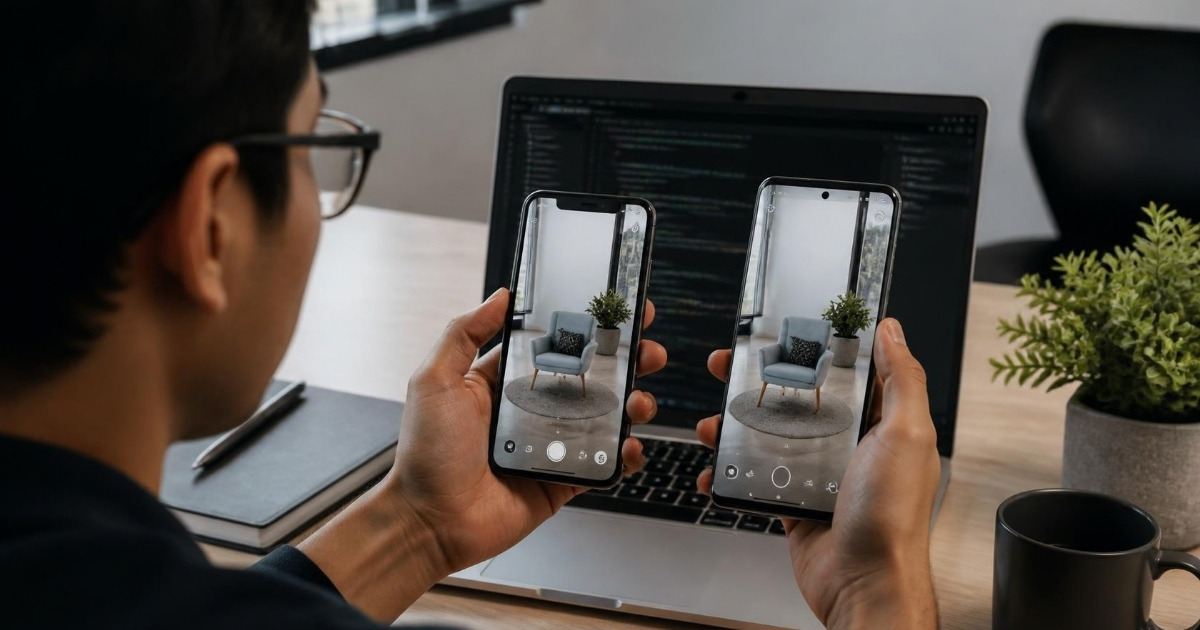
Quick answer: ARKit is Apple's augmented reality framework for iPhone and iPad; ARCore is Google's framework for Android. Both handle the core job of AR: tracking the phone's movement, finding floors, walls and tables, and lighting 3D objects so they look like they belong in the room. For most businesses the question is not which one is better, but which devices your customers or staff use, and whether you need an app at all. In Indonesia, where Android phones are the majority, a consumer AR project almost always needs to work on ARCore devices, and many campaigns are better served by WebAR, which runs in the browser on both.
What is ARKit?
ARKit is Apple's AR software framework, built into iOS and iPadOS. It powers AR apps on iPhone and iPad and works closely with Apple's other tools, such as RealityKit for rendering and AR Quick Look for viewing 3D models straight from Safari, Messages or Mail using the USDZ file format.
Its strengths come from Apple controlling both the hardware and the software. Tracking quality is consistent across supported devices, and Pro iPhones and iPads with a LiDAR scanner can measure depth directly, which makes object placement and occlusion (real objects hiding virtual ones) more accurate. ARKit also offers face tracking, body tracking, image and object detection, and location anchors in a limited list of cities.
What is ARCore?
ARCore is Google's AR platform for Android. It provides the same fundamentals as ARKit: motion tracking, plane detection and light estimation. It adds features such as the Depth API, which estimates depth from the normal camera on supported phones without a dedicated depth sensor, Augmented Images and Augmented Faces, Cloud Anchors for shared multi-user experiences, and the Geospatial API, which uses Google's visual positioning data to anchor content to real-world locations where Street View coverage exists.
On Android, 3D models can be viewed in AR without an app through Google's Scene Viewer, using the glTF/GLB format. The main limitation is device coverage: ARCore only runs on Android phones that Google has certified, and that list does not include every budget or older model.
ARKit vs ARCore side by side
| ARKit | ARCore | |
|---|---|---|
| Made by | Apple | |
| Devices | Supported iPhones and iPads | Certified Android phones (some features also on iOS) |
| Depth sensing | LiDAR on Pro models; camera-based on others | Depth API (camera-based) on supported phones |
| View 3D without an app | AR Quick Look (USDZ) | Scene Viewer (glTF/GLB) |
| Location-based AR | Location anchors in selected cities | Geospatial API where Street View coverage exists |
| Faces | Face tracking on supported devices | Augmented Faces (front camera) |
| Typical tools | Swift, RealityKit, Unity | Kotlin/Java, Unity, Unreal |
Why the choice matters more in Indonesia
Indonesia is an Android-first market: the large majority of smartphones in use run Android, and many of them are mid-range or entry-level models. That has two consequences for businesses planning AR:
- An iPhone-only experience will miss most of your customers. A consumer campaign or shopping feature that only works with ARKit reaches a small share of Indonesian users.
- Not every Android phone supports ARCore. Before committing to a native app, check your audience's likely devices against Google's list of ARCore supported devices, and plan a fallback, such as a regular 3D viewer, for phones that are not supported.
For internal use the picture changes. If you are equipping a sales team, a showroom or a factory floor with a fixed set of tablets, you choose the hardware, so building for ARKit on iPad, or for one certified Android tablet model, can be the simplest and most reliable route.
You often do not have to choose
Most commercial AR projects support both platforms without building twice:
- Cross-platform native apps. Engines such as Unity, with its AR Foundation package, let one project use ARKit on iOS and ARCore on Android.
- WebAR. The experience opens in the phone's browser from a link or QR code, with nothing to install. On Android it can use WebXR, which relies on ARCore underneath; on iPhone it typically uses AR Quick Look or a WebAR engine. Reach is wider and friction is lower, at the cost of some advanced features.
- 3D product viewers with an AR button. For e-commerce, a single 3D model exported as GLB and USDZ can open in Scene Viewer on Android and AR Quick Look on iPhone straight from a product page.
A simple decision guide
- Marketing campaign, packaging or event activation: use WebAR. Scanning a QR code beats asking people to download an app.
- Letting shoppers place a product in their room: use a 3D viewer with Scene Viewer and AR Quick Look support. See our AR solutions for e-commerce.
- Sales tool or training app with complex features: build a native cross-platform app, or target one platform if you control the devices.
- Precise measurement or occlusion on a known device fleet: ARKit on LiDAR-equipped iPads is hard to beat.
What drives cost and timeline
The platform itself is free; both SDKs cost nothing to use. What drives budget is the number and complexity of 3D models, how many platforms and devices must be tested, whether the experience needs a backend or analytics, and whether it ships as WebAR or through the App Store and Google Play. Supporting both iOS and Android through one cross-platform build or WebAR is usually far cheaper than maintaining two native apps.
How InReality Solutions can help
InReality Solutions is a Jakarta-based studio that builds WebAR campaigns, AR product viewers and native AR apps for brands across Indonesia. We help you choose the right approach for your audience's devices, produce the 3D assets, and deliver an experience that works on both iPhone and Android. Explore our AR solutions for sales and marketing or contact our team to talk through your project.
Frequently Asked Questions
What is the difference between ARKit and ARCore?
ARKit is Apple's augmented reality framework for iPhone and iPad. ARCore is Google's equivalent for Android (with some features, such as Cloud Anchors and the Geospatial API, also available on iOS). Both track the device's position, detect surfaces and estimate lighting so 3D content can sit convincingly in the real world. The practical differences are which devices they reach, a few platform-specific features, and the tools and 3D file formats each ecosystem uses.
Which is better for a business, ARKit or ARCore?
Neither is better in general. The right choice depends on who your users are and what devices they carry. In Indonesia most consumers use Android phones, so a consumer-facing experience usually has to support ARCore devices. For an internal tool on a fleet of iPads, ARKit alone can be enough. Most commercial projects support both, either with a cross-platform engine or by using WebAR.
Do I need to build two separate apps for iPhone and Android?
Usually not. Cross-platform tools such as Unity's AR Foundation let one codebase use ARKit on iOS and ARCore on Android. For marketing campaigns, WebAR avoids an app entirely: users scan a QR code and the experience opens in the browser.
Does ARCore work on every Android phone?
No. ARCore runs on Android devices that Google has certified and that have Google Play Services for AR. Many popular models are supported, but some budget and older phones are not, which matters in markets like Indonesia where mid-range and entry-level Android phones are common. Check Google's official list of ARCore supported devices for your target audience.
Can InReality Solutions build AR apps for both iOS and Android?
Yes. InReality Solutions builds WebAR experiences, AR product viewers and native AR apps that work on both iPhone and Android, from 3D modelling through to deployment. Contact us to discuss which approach fits your project.
Ready to Build Your New Reality?
Tell us about your brand and goals — we'll show you what's possible.